- Ready to use .gcode files for Prusa MK3S Style printers
- .3MF files for Bambu Studio
- .3MF files for Prusa Slicer
- .3MF files and Profiles for Cura
- .factory files for Simplify3D (4.0)
- .STL files
- User Guide (Detailed for assembling and printing)
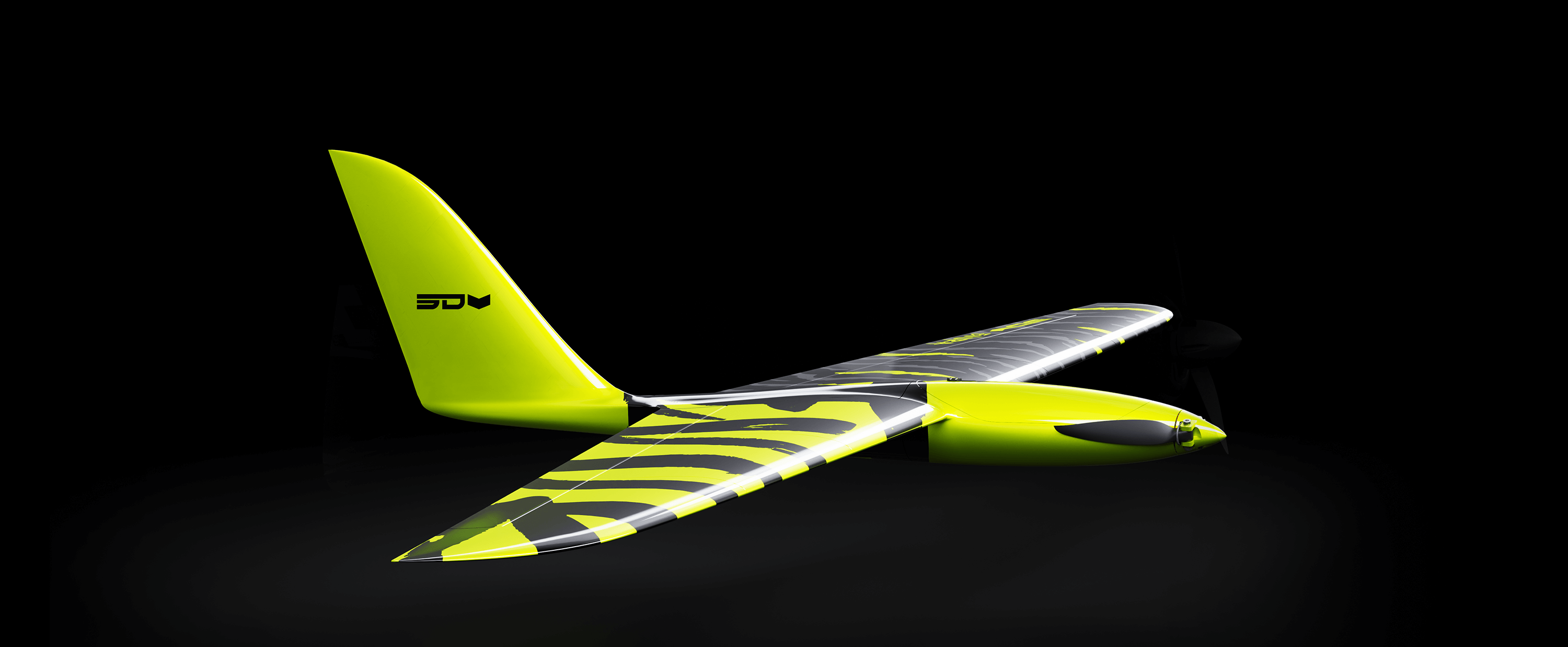
Evora Surf the slope.
27.99 €
Speed*
140
km/h
Flight time*
10 - 15
min
Wingspan
1200
mm
Print weight
290
G
All-up weight
380
G
*Values may differ depending on the used setup. Tested on LiPo 2S 1500mAh.
Evora
Meet the Evora – a 1200mm wingspan slope soarer built for those who crave effortless adventure. This sleek, 3D-printed design combines portability, elegance, and performance, making it your ultimate companion for dynamic slope soaring or serene thermal flights. Designed to keep things simple, the Evora is as easy to build as it is to fly. Its vase mode construction allows for rapid assembly, with the flexibility to print its durable fuselage in PLA, PETG, or ABS-GF. The LW-PLA wings ensure exceptional performance. Whether you’re scaling peaks for the perfect launch point or chasing thermals on a lazy afternoon, the is the perfect companion for your next adventure.
Download includes
Specifications
- Printed Weight: 290 g
- Take-Off Weight: 380 g
- Stall Speed: 25 km/h
- Wing Span: 1200 mm
- Wing Loading: 20g/dm²
- Wing Area: 19 dm²
- Length: 678 mm
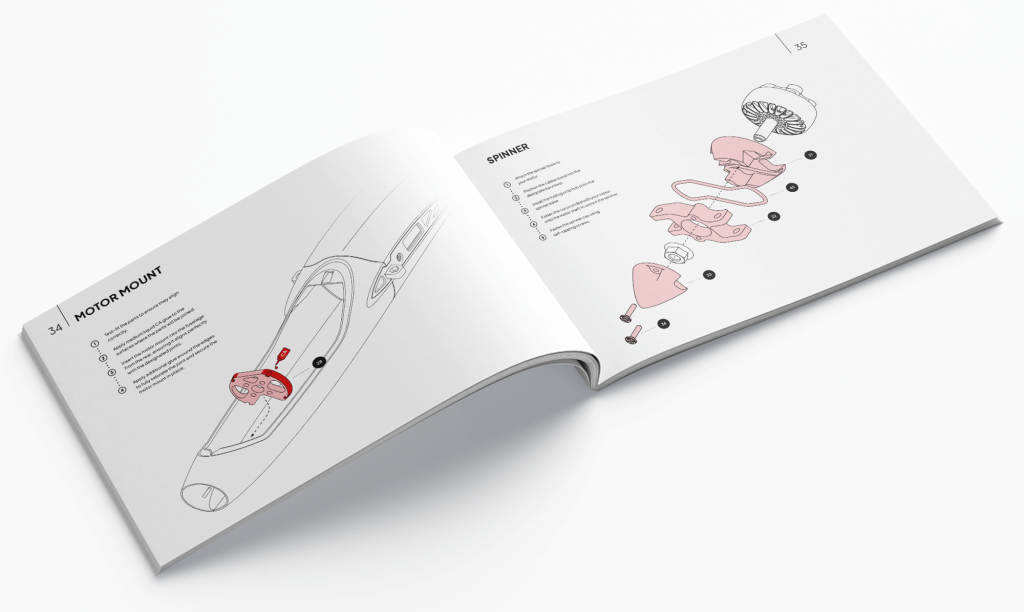
Instruction Manual download
Download our latest manual, which includes all building steps and basic setup information. We continuously update our manuals, so be sure to check back regularly for the latest version.
Packed with
Features you love
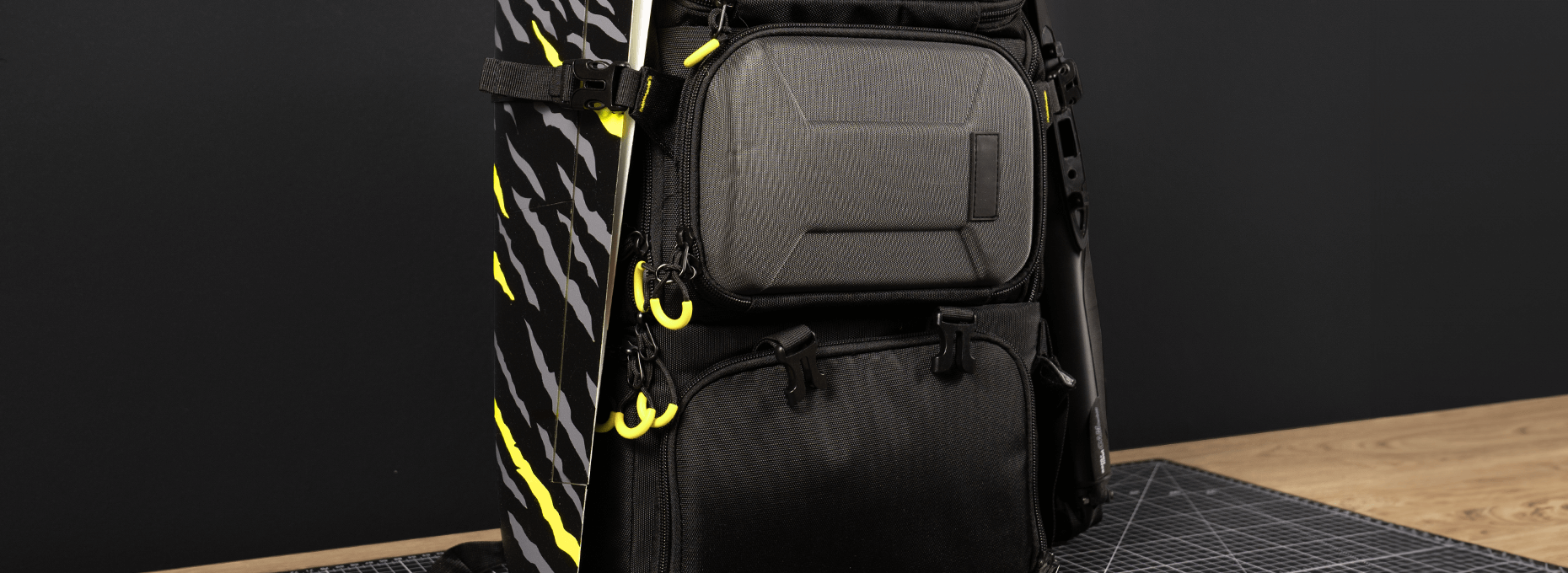
Adventure in Your Backpack
Adventure in Your Backpack
Designed for explorers, the Evora’s compact, lightweight design makes it easy to carry on mountain hikes or spontaneous flying trips. Whether soaring in thermal currents or carving through ridge lift, the Evora is always ready for your next adventure.
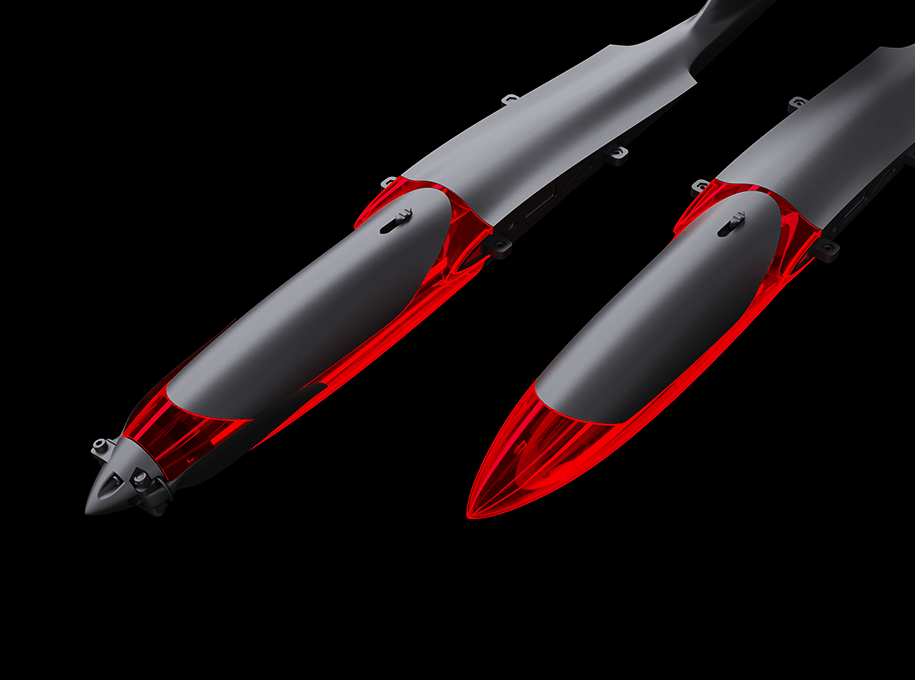
Glider and Motorized Version
Glider and Motorized Version
Evora adapts to your flying style—build it as a pure glider for serene soaring or add a motor for powered flight and extended range.
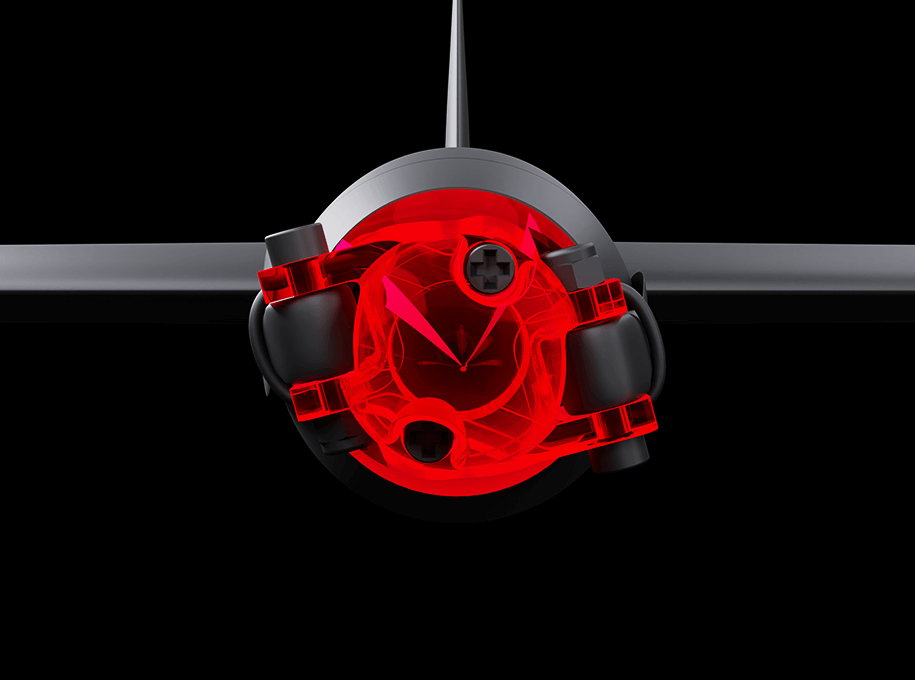
Z-Hub Spinner
Z-Hub Spinner
The Z-Hub spinner enhances aerodynamics by reducing drag and smoothing airflow over the nose. Its sleek design minimizes turbulence, improving efficiency and performance.
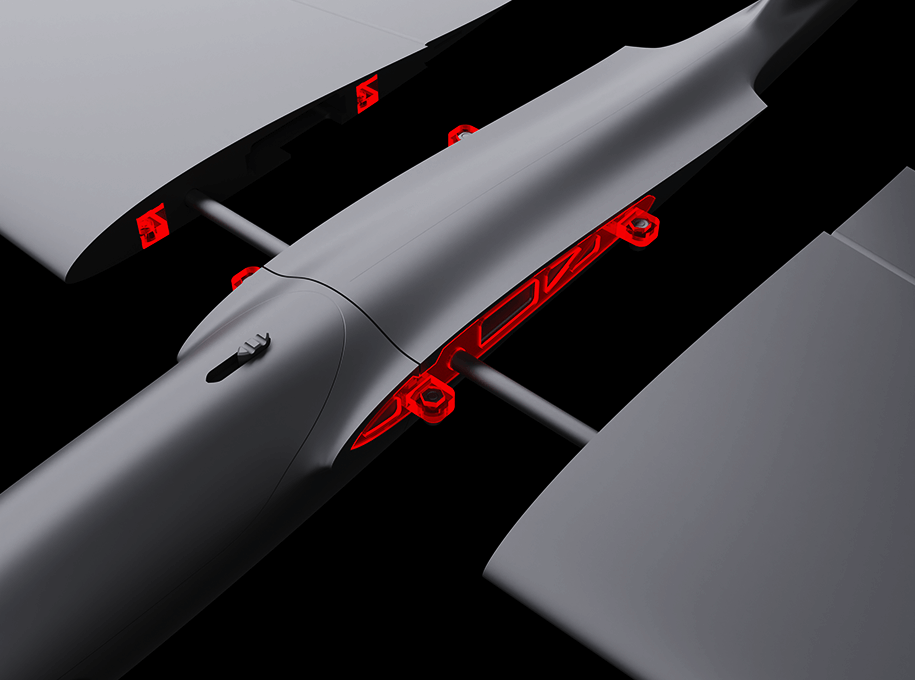
Modular Design
Modular Design
Designed for portability, Evora features a modular wing attachment system, making transport and storage easy without compromising strength.
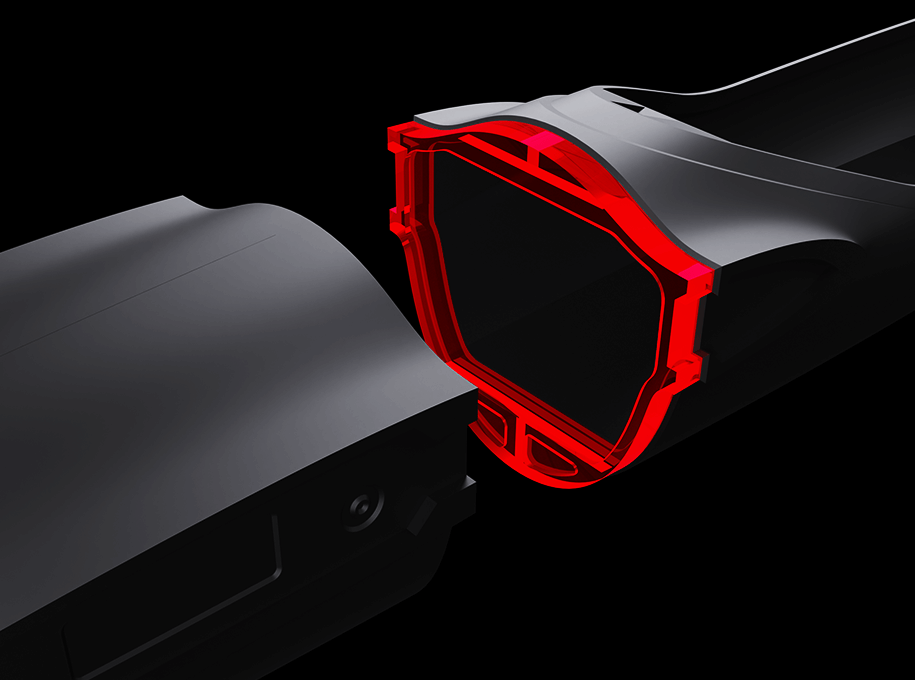
Interlocking Part Joints
Interlocking Part Joints
Interlocking joints on the parts allow for quick, easy assembly and ensure perfect alignment.
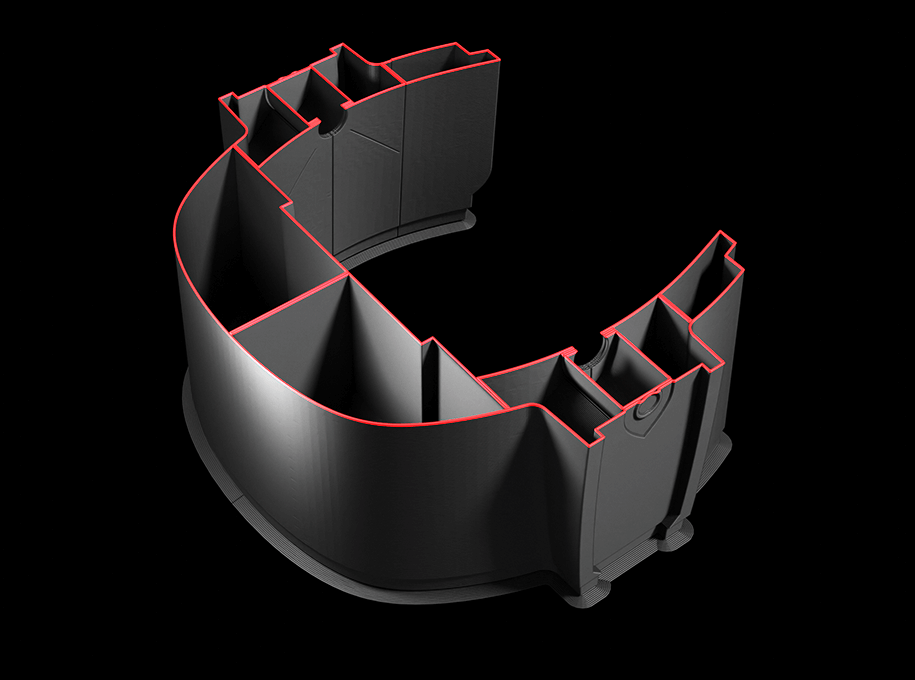
Vase Mode Design
Vase Mode Design
Its clean Vase Mode design ensures exceptional LW-PLA printing quality and compatibility with major slicers.
You got questions?
Is it possible to upscale or downscale models?
You can upscale or downscale our models, but modifications might be necessary because our planes are designed for a specific size. Scaling can affect various aspects such as tolerances, servo pockets, motor mounts, and carbon spars. Additionally, the structural design might not withstand the increased forces when upscaled or could result in a heavier plane when downscaled. Therefore, it’s not recommended or advisable to scale the models unless you are prepared to make significant adjustments.
Is it possible to use regular PLA instead of LW-PLA?
If both materials are suitable for printing a specific plane, it will be clearly stated. Generally, using LW-PLA is preferred because it is lighter, which enhances performance in most cases. This is especially important for 3D aerobatic planes where minimizing weight is critical. However, some planes can be printed with other materials as well. Just ensure that you can still achieve the correct center of gravity (CG).
Are soft LW-PLA parts considered normal?
Yes, some parts might feel soft individually. However, once they are glued together, the overall structure will be strong. All our planes are tested for durability and can handle high-G maneuvers without any issues.
What should I do if the ribs aren't connecting to the outer surface?
If you notice that the ribs aren’t connecting properly when using LW-PLA, you should calibrate your printer according to the instructions provided with the download files. This issue could be caused by high temperature, low flow, fast printing speed, or an uncalibrated extruder. If you’re using regular PLA, increasing the flow might resolve the issue.
How can I minimize Z-wobble on tall parts?
Bed slinger 3D printers often experience Z-wobble due to the large moving mass, which creates more vibrations. To reduce Z-wobble, try lowering the print speed for thin and tall parts and ensure the part adheres well to the bed. Increasing the number of brim walls can also help.
Stay up to date with our future projects and developments.
Be the first to hear about our upcoming projects and to see our continuous development! Thank you for your support! Your help makes the future a reality.